When you’re ordering custom apparel or promotional products, your logo file plays a bigger role than most people realize. You don’t need to be a graphic designer — but understanding a few basics can save time, prevent printing issues, and ensure your finished products look professional.
Here’s a straightforward guide to preparing your logo files for printing, even if design isn’t your strong suit.
Why File Quality Matters in Printing
Printing is very different from viewing a logo on a screen. Low-quality or incorrect files can lead to:
-
Blurry or pixelated prints
-
Incorrect colors
-
Poor embroidery results
-
Extra back-and-forth before production can start
The better your file, the smoother the process — and the better your final product will look.
Best File Types for Printing
If you have access to one of these formats, you’re in great shape:
Vector Files (Best Option)
-
AI
-
EPS
-
PDF (vector-based)
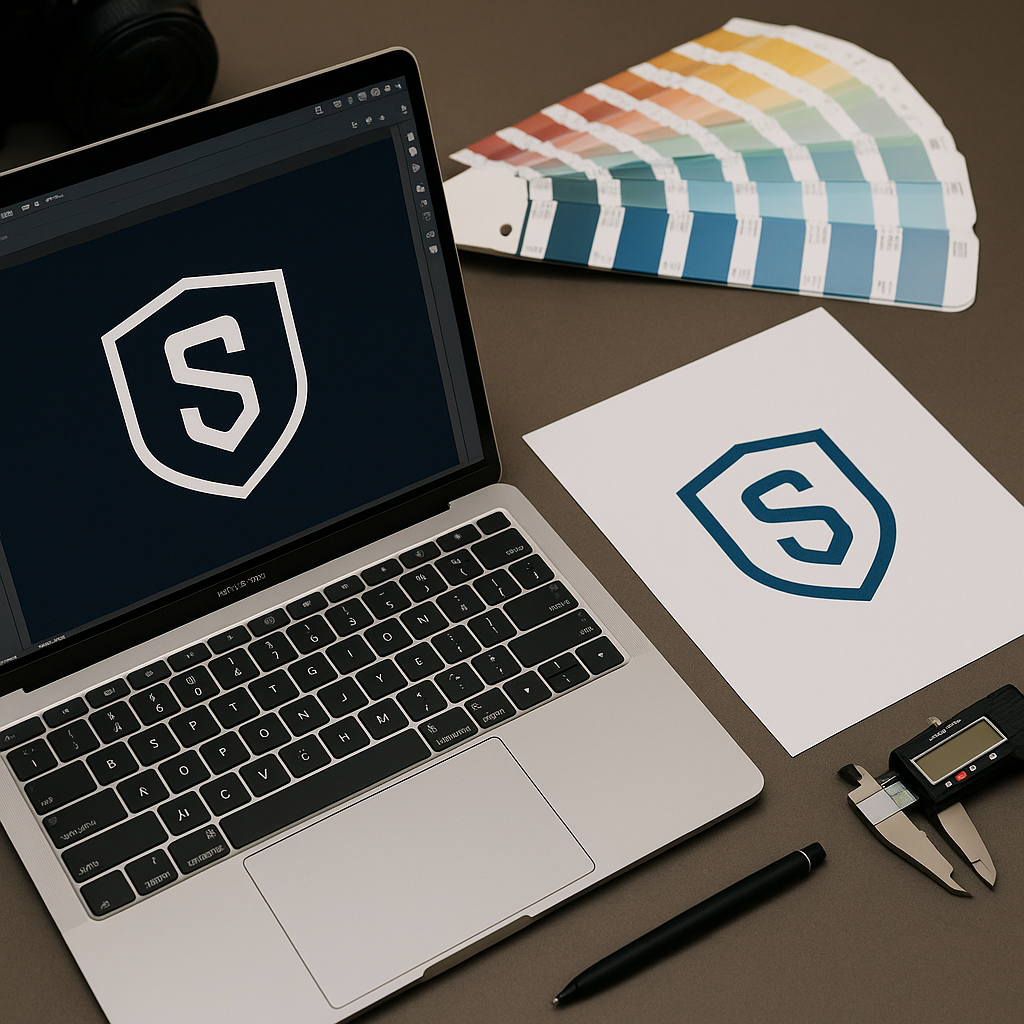
Vector files can be resized to any size without losing quality, making them ideal for both screen printing and embroidery.
Raster Files (Sometimes Acceptable)
-
PNG
-
JPG
If you’re sending a raster image:
-
Make sure it’s high resolution (300 DPI)
-
Avoid screenshots or files pulled from social media
-
Transparent backgrounds (PNG) are preferred
Low-resolution files can look fine on a website but fail when printed.
Color Matters More Than You Think
Colors on screens don’t always match printed results.
A few helpful tips:
-
Solid colors print more consistently than gradients
-
Fewer colors = cleaner prints and lower costs
-
Embroidery works best with simplified color palettes
If you’re unsure, a professional printer can help convert your colors for the best possible result.
Simplify Your Logo for Apparel
Logos designed for websites often include:
-
Thin lines
-
Small text
-
Complex gradients
For apparel, simpler is better. Clean shapes and readable text produce stronger results — especially for left-chest logos and embroidered designs.
What If You Don’t Have the Right File?
This is more common than you think — and it’s not a problem.
If you only have:
-
A JPG from a website
-
A logo pulled from email
-
An old file you’re unsure about
A professional print shop can:
-
Rebuild or clean up your logo
-
Convert it into a print-ready format
-
Optimize it for screen printing or embroidery
At Screen Tek, we help customers with file prep every day — no design background required.
Final Thoughts
You don’t need to be a designer to get great results from custom apparel or promotional products. With the right file format, proper resolution, and a bit of guidance, your logo can look sharp, professional, and consistent across everything you print.
👉 Need help preparing your logo for printing?
Contact Screen Tek and we’ll make sure your files are ready before production begins.