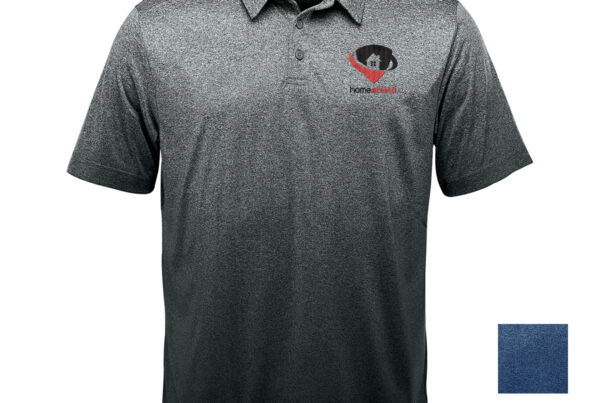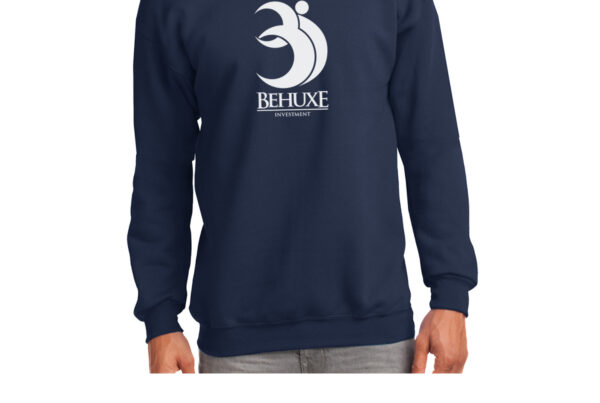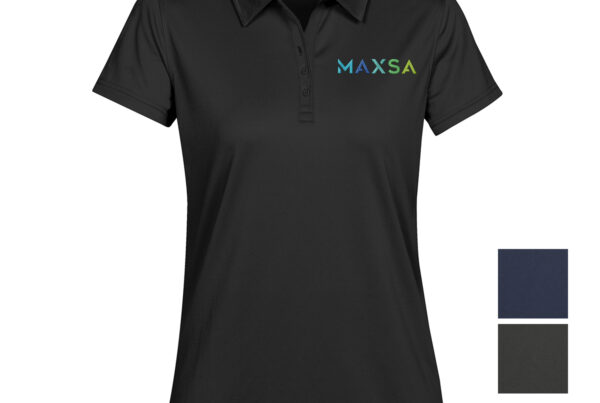
“Can you just embroider this logo?” is one of the most common questions we get — and the honest answer is almost always “yes, but first it has to be digitized.” That one extra step confuses a lot of first-time customers, so here’s what digitizing actually is, why it costs something, and how it affects the final look of your logo.
Here’s what we walk customers through when a logo needs to go from artwork to stitches.
The Short Version
Digitizing turns your logo into a set of stitch instructions an embroidery machine can actually follow — it’s not optional, and it’s not the same file as the one used for printing. It’s usually a one-time setup cost per logo (not per shirt), simple logos digitize faster and stitch out cleaner than fine detail or tiny text, and once it’s done correctly we keep the file on hand so reorders skip that step entirely.
What Digitizing Actually Is
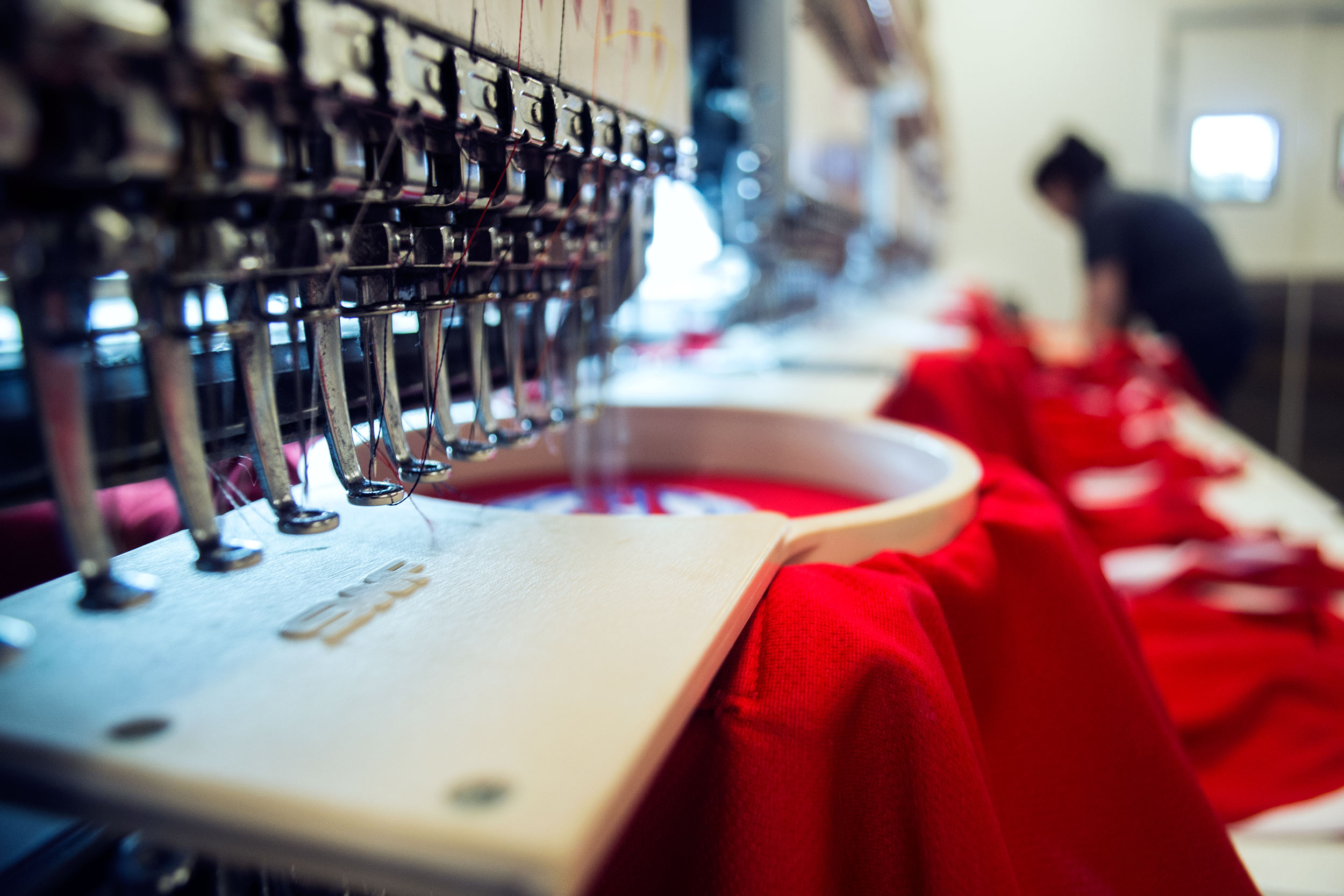
Your logo file — a PNG, a vector, whatever you’ve got — is just colored pixels or shapes. An embroidery machine doesn’t know how to “print” that; it only knows how to move a needle in a sequence of stitches. Digitizing is the process of converting your artwork into that stitch-by-stitch map: stitch type, direction, density, and the order each section gets sewn. A trained digitizer builds this by hand using specialized software, which is why it’s a real line item and not an automatic export.
Why It’s a Separate Cost From Printing
Screen printing and embroidery price out differently because they’re solving different problems. Screen printing charges mostly by color count — see our breakdown of how logo color count affects printing and embroidery cost. Embroidery charges by stitch count, and digitizing is the up-front step that determines what that stitch count will be. The good news: digitizing is typically a one-time fee per logo, not a per-item charge, so it amortizes down to almost nothing across a full order and disappears entirely on reorders once the file’s on file.
What Digitizes Well — and What Doesn’t
Embroidery is a physical, stitched medium, so some designs translate better than others:
- Bold, simple shapes and lettering — digitize quickly and stitch out crisp.
- A moderate number of solid colors — each color change means a thread change, so fewer colors keep both cost and complexity down.
- Fine detail, thin lines, and small text — the hardest things to digitize well; stitches can’t render detail as fine as ink can, so tiny text often needs to be simplified or enlarged.
- Gradients and photographic designs — embroidery can’t truly reproduce these; they need to be reinterpreted as solid color blocks, which is a job for the digitizer, not a simple file conversion.
Getting It Right the First Time
The best way to keep digitizing simple and affordable is to start with a clean logo file and let us flag anything that won’t translate well before production, not after. This is the same groundwork we cover in our rundown of what information you need before requesting a quote — and it pairs with our guide on choosing between screen printing, embroidery, and other decoration methods if you’re not sure embroidery is even the right call for this logo. Once a logo’s digitized and approved, we keep the file, so it’s ready to go the next time you need caps, polos, or anything else embroidered — our guide to custom embroidered hats is a good example of where that saved file gets reused.
Final Thoughts
Digitizing isn’t a hidden fee — it’s the real, necessary work of translating your logo into something a needle can sew, and it’s usually a small, one-time cost that pays off on every reorder after. Start with a clean logo, expect a quick digitizing step for anything new, and the embroidery itself comes out sharp. It’s one more detail worth factoring into your custom apparel budget up front, rather than a surprise later.
Have a logo you want embroidered? Get in touch and we’ll digitize it, show you a proof, and get it stitched out right.